



Privacy, Cookie Banners and What Your Website Forms Collect
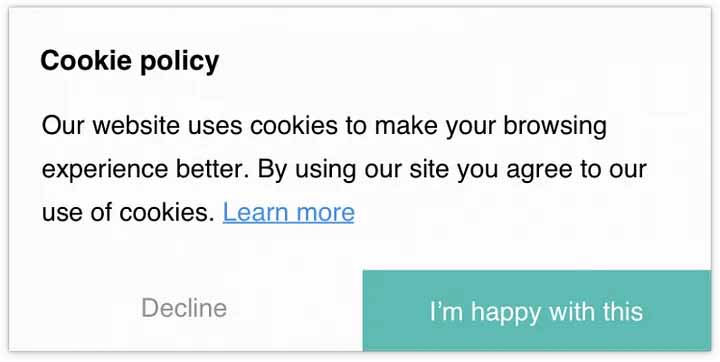
New Zealand doesn’t have a cookie law. The banner on your website was almost certainly written for somebody else’s rules.
Most of them arrive bundled with a plugin and are built around European law. They ask a visitor to accept, reject or manage preferences before they’ve read a word. On a Hamilton plumber’s site, that’s a lot of ceremony for someone who wants a hot water cylinder replaced. So they tap the nearest button to get rid of it, and on a phone the banner has already swallowed a good chunk of the screen.
None of that means privacy can be ignored here. It means our rules are different, and a lot simpler than the banner suggests.
What the Privacy Act 2020 asks of you
Our law is the Privacy Act 2020, and it cares about personal information. Names, phone numbers, emails, home addresses, photos of someone’s kitchen, a CV. If your site collects any of it, the information privacy principles apply. Three do most of the work for a website:
- Collect what you need to reply, and no more. A form that wants a budget, a preferred date, a street address and three photos before anyone has spoken to you is collecting for the sake of it.
- Tell people what happens to their details. What you collect, why, who sees it, and that they can ask to see or correct it.
- Keep it safe, and say when it goes offshore. Most form tools, CRMs and email platforms store data overseas. That’s allowed, but it belongs in your statement.
What your site probably collects already
Walk through it as a visitor would. A contact form. A quote request with an address and photos of the property. A careers form with CV uploads. An email sign-up. Live chat transcripts. Behind the scenes, analytics and ad pixels quietly follow people from screen to screen.
Picture a Tauranga electrician whose quote form takes a street address and a photo of the switchboard. That’s personal information landing in an inbox, probably a CRM, and possibly a Meta pixel firing on the thank you screen. Nothing wrong with any of it. It simply needs to be said out loud somewhere.
There’s a newer wrinkle too. Since 1 May 2026, a principle called IPP 3A has applied when you collect personal information from someone other than the person themselves, such as a bought list or a lead service. Those people generally need to be told you hold their details.
Do you need a cookie banner in NZ?
Not by law. Nothing in the Privacy Act tells you to show a banner, and nothing says visitors must tick a box before your analytics loads. What the Act wants is openness, and a clear privacy statement delivers that.
A banner earns its place in a few situations. You market to people in the UK or Europe, where their rules follow the visitor. You run heavy ad tracking and want to be upfront about it. Or you work with a larger client whose own policy demands one. For most local trades, clinics and shops, a short notice or a footer link does the job without covering the contact button.
The privacy statement most sites are missing
Plenty of sites have a banner and no statement of their own. Others carry a template borrowed from overseas, naming a regulator in another country, which means nothing to a customer in Whangārei.
The Privacy Commissioner offers a free tool called Priv-o-matic that builds a statement for small and medium businesses. It’s a solid starting point. Cover what you collect, why, who receives it, where it’s stored, how someone asks to see or correct their details, and who to contact. Link it from the footer and beside every submit button.
Keep it readable as well. Tiny grey text on a grey background fails the very people clear content should help, and that’s a big part of website accessibility in NZ.
When something goes wrong
If personal information ends up somewhere it shouldn’t and serious harm is likely, you have to tell the Privacy Commissioner within 72 hours of knowing. The affected people hear from you as soon as you can manage it. A hacked website, a phished inbox or a form plugin emailing submissions to the wrong address could all qualify, depending on what was exposed.
Old plugins and shared passwords turn out to be privacy problems as much as security ones.
What we’d do on your site
Short forms that ask for what’s needed to reply. A line beside the submit button pointing to a proper privacy statement. Tracking that only runs the tools you use, rather than everything a platform switches on by default. A banner only where it earns its place.
That’s how we approach every custom website design we build, and it’s easy to retrofit onto an existing site.
We’re not lawyers. Anything involving health information, children or a large customer database deserves proper legal advice. For the website side, contact our team and we’ll go through what your forms and tracking collect today.
Comments are closed.